
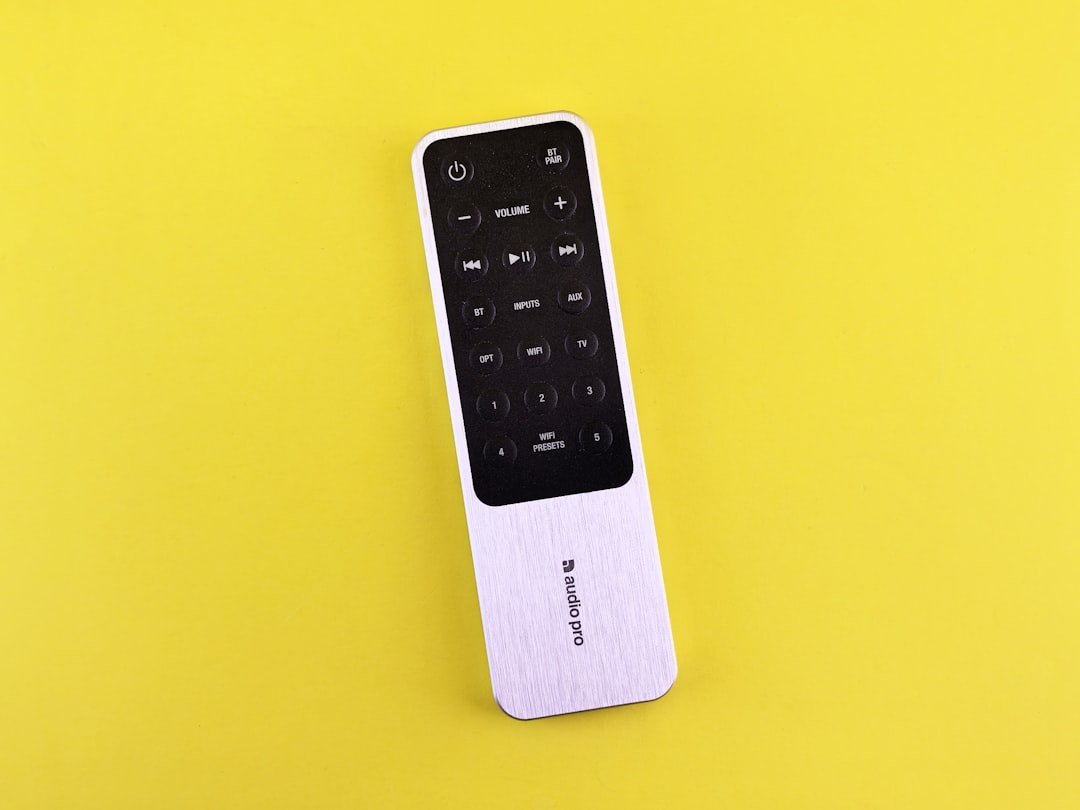
What is the EE TV Box Pro and how does it work?
Late in 2023, EE officially rebranded BT TV to EE TV. Sitting right at the heart of this service is their flagship kit: the EE TV Box Pro. It’s a slick set-top box that mixes standard over-the-air digital channels with internet-delivered paid subscription stations and all your usual streaming apps.
You don’t need a satellite dish here. Instead, it hooks straight up to your home broadband using Wi-Fi or a wired Ethernet cable. You can plug in a normal TV aerial to pick up free channels, or just flip it to Internet-only mode if you don’t have a roof aerial. To see how this setup stacks up against other internet TV services, take a look at our guide explaining what IPTV is for UK viewers and how web-based broadcasting works nationwide.
Can you record live TV on the EE TV Box Pro?
Yes, absolutely. Inside the main TV Box Pro sits a 1TB hard drive, which holds about 600 hours of standard definition shows, or roughly 250 hours if you stick strictly to HD.
The recording setup is genuinely useful. Packing four internal tuners, it lets you record four live channels simultaneously while watching a fifth saved recording. You can also pause or rewind live television for up to two hours—perfect when someone knocks on the door during a match.
Keep in mind that all your saved shows stay locked to that primary box. You can’t offload recordings onto a USB stick or stream them across to a box in a different room.
How does EE TV multiroom work?
For extra rooms like a bedroom or kitchen, EE supplies the smaller EE TV Box Mini. This little companion box streams entirely over Wi-Fi or Ethernet, skipping the need for an aerial socket altogether.
That said, the Mini box isn’t identical to the main unit:
- No local hard drive: The Mini cannot save live TV shows directly.
- Shared subscriptions: You can stream your active NOW passes, TNT Sports, and standard free channels in two rooms at once.
- Cloud catch-up access: You can’t watch hard-drive recordings from the main box on the Mini, but you can fire up BBC iPlayer, ITVX, and Channel 4 directly on it.
You can add up to two Mini boxes to one home account. Just double-check that your home Wi-Fi signal actually reaches where you plan to put them.
What broadband speeds do you need for smooth playback?
Since the EE TV Box Pro uses your home internet connection for live paid channels and catch-up services, your line speed makes a big difference. Nobody likes constant buffering mid-show.
Basic standard definition streaming runs fine on around 5 Mbps. Jumping up to HD channels requires roughly 10 Mbps to 15 Mbps. If you plan to stream live 4K Ultra HD sports on TNT Sports Ultimate, you’ll want a reliable line pushing at least 30 Mbps.
Running in Internet-only mode without an aerial means every single channel eats into your home bandwidth. Plugging the set-top box straight into your router via an Ethernet cable avoids Wi-Fi dropouts, which happens often if your router lives in a different room.
What channels and apps are available on the device?
Your exact channel list boils down to which monthly package you pick. EE builds its subscriptions around flexible add-ons, mainly built around Sky’s NOW passes and TNT Sports.
Depending on your plan, you get:
- Freeview Channels: Standard free UK television, brought in through your aerial or streamed over the internet.
- Sky Entertainment: Heavyweights like Sky Atlantic, Sky Max, and Sky Witness bundled through NOW Entertainment passes.
- Sky Cinema & Sports: The full lineup of Sky Cinema stations alongside all 11 Sky Sports channels in HD.
- TNT Sports: Complete TNT Sports coverage, with 4K HDR options for big Premier League and UEFA Champions League matches.
- On-Demand Apps: Pre-loaded apps like Netflix, Prime Video, YouTube, BBC iPlayer, ITVX, Channel 4, and Apple TV+.
Packages can be swapped month-to-month. If you only follow rugby during the tournament season or want extra movie channels through winter, you can tweak your options anytime via your account settings.
How do you fix common EE TV Box Pro issues?
Even good hardware acts up sometimes. Here’s how to fix a few annoying glitches yourself:
The box won’t turn on or responds slowly: Start with a quick soft reset. Hold down the power button on the front panel for eight seconds until the light flickers. Still stuck? Turn the plug off at the wall, give it 30 seconds, then switch it back on.
Picture freezing or error code IPC6023: IPC6023 almost always means your internet connection dropped mid-stream. Reboot your router first. If the box connects via Wi-Fi, move it nearer your hub or plug in a direct Ethernet cable instead.
Missing channels in Internet Mode: Running without an aerial? Make sure the box isn’t pending a software update. Head over to Settings > System > Software Update and run a manual check.
For more information, IPTV UK.
Related reading
- Which Streaming Device Should You Buy in the UK? FAQs Answered
- How to Set Up Firestick Live TV in the UK: Step-by-Step Guide