
Why Your Live TV Keeps Stuttering
You sit down on the sofa to watch the Premier League match, but your stream freezes right before the penalty kick. It is a deeply frustrating experience that ruins matchday. Often, people blame their broadcasting provider straight away. Usually, the real culprit hides in your home network setup.
When weighing up Ethernet vs Wi-Fi for your streaming setup, physical reality matters far more than theoretical broadband speeds. Your fibre connection might pull in 150 Mbps from Openreach, yet your lounge TV still drops frames. Radio waves deal with interference from brick walls, microwaves, and neighbours on the same wireless channel. A copper cable bypasses all of that chaos entirely.
The Physical Realities of Wireless Streaming
Most modern UK homes rely on wireless routers supplied by BT, Sky, Virgin Media, or TalkTalk. These boxes sit in the hallway or living room, broadcasting signals across 2.4 GHz and 5 GHz bands. While 5 GHz offers decent speeds, its range drops rapidly through solid internal walls. Older Victorian terrace houses with thick masonry pose a massive challenge for wireless packets.
Packet loss kills live streams. Unlike downloading a file where your device simply asks for missing data again, a live broadcast happens in real-time. If a packet gets lost in the air, your media player has to interpolate the gap or freeze momentarily. This causes that irritating spinning wheel. If you are constantly troubleshooting your IPTV buffering problems, the airwaves around your router might be overcrowded.
Interference builds up quickly during peak evening hours. When everyone on your street fires up their wireless devices, the noise floor rises. Your streaming box fights for bandwidth against smartphones, laptops, baby monitors, and smart plugs.
Why Wired Connections Tell a Different Story
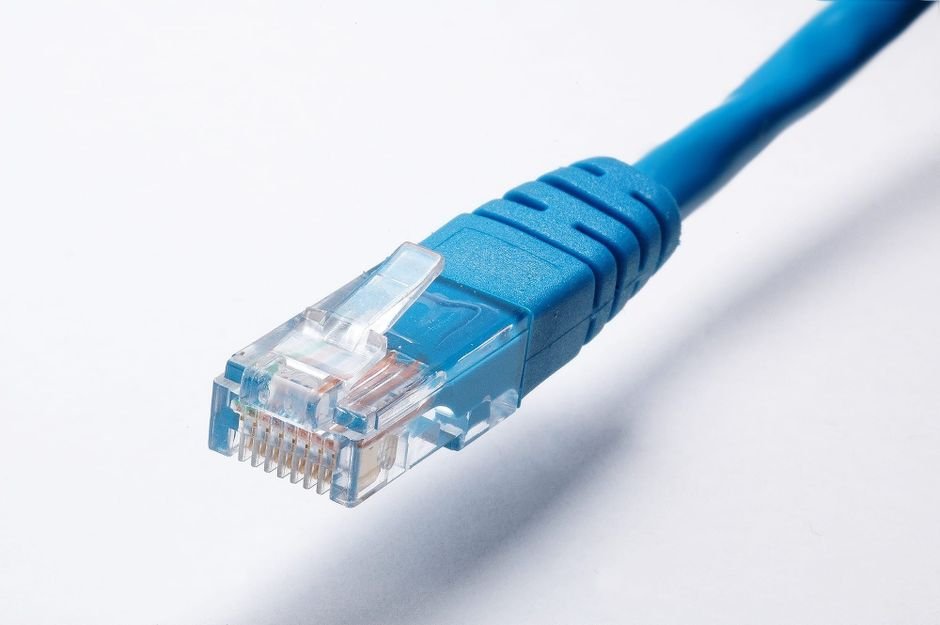
Plug a standard Cat5e or Cat6 cable straight into the back of your streaming box, and the rules change completely. You get a dedicated, interference-free lane directly to your router. Latency drops into single digits. Packet loss practically vanishes.
Copper wires do not care if someone turns on the microwave or uses the cordless house phone. They do not suffer from signal attenuation caused by a reinforced concrete floor. For high-bitrate HD and 4K streams, this absolute stability makes a profound difference.
Setting up a wired line isn’t always straightforward in a rented flat or a finished house, though. Trailing cables across the hallway creates a trip hazard. Many people turn to alternatives like Powerline adapters when running long cords proves impossible.
Powerline Adapters: A Viable Middle Ground?
Powerline adapters use your home’s electrical ring main to transmit network data. You plug one unit near the router, connect it with a short patch cable, and plug the second unit near your TV. It sounds like magic. Sometimes, it works brilliantly.
British electrical wiring varies wildly in age. If your fuse box dates back several decades, electrical noise from appliances like washing machines can ruin the network performance. You might experience sudden dropouts whenever the kitchen fridge kicks in. They are worth a try if drilling holes for cables is out of the question, but they rarely match the rock-solid reliability of a direct cable run.
Comparing Bandwidth and Latency Performance
Let us look at how both connection types stack up across key performance metrics. Streaming live television requires consistent throughput rather than massive peak speeds.
- Latency: Ethernet consistently delivers sub-5ms local latency. Wireless frequently fluctuates between 15ms and 50ms, with occasional spikes.
- Packet Loss: Wired links see near-zero packet loss under normal conditions. Wireless links routinely drop 1 to 3 percent of packets in busy environments.
- Throughput Consistency: Copper lines maintain their rated speed 24/7. Wireless speeds degrade significantly when distance or obstacles increase.
A stable 20 Mbps wired connection often outperforms a flaky 300 Mbps wireless connection when watching live feeds. Raw speed figures advertised by internet providers mean very little if your packet delivery stutters.
The Verdict on Ethernet vs Wi-Fi
If your streaming device sits right next to the router, use a cable. There is no good reason to rely on wireless when a physical link takes ten seconds to establish. The improvement in stream stability is immediate and noticeable.
If running a cable across the room is physically impossible, do not despair. Move your wireless gear to the 5 GHz band, keep the line of sight as clear as possible, and invest in a quality modern router. But if you want zero headaches and pristine picture quality during high-stakes live events, plugging in remains the ultimate winner.
For more information, IPTV UK.
Related reading
- Smart TV vs Firestick for IPTV: Which Is Better?
- Common IPTV Subscription Problems and How to Fix Details