
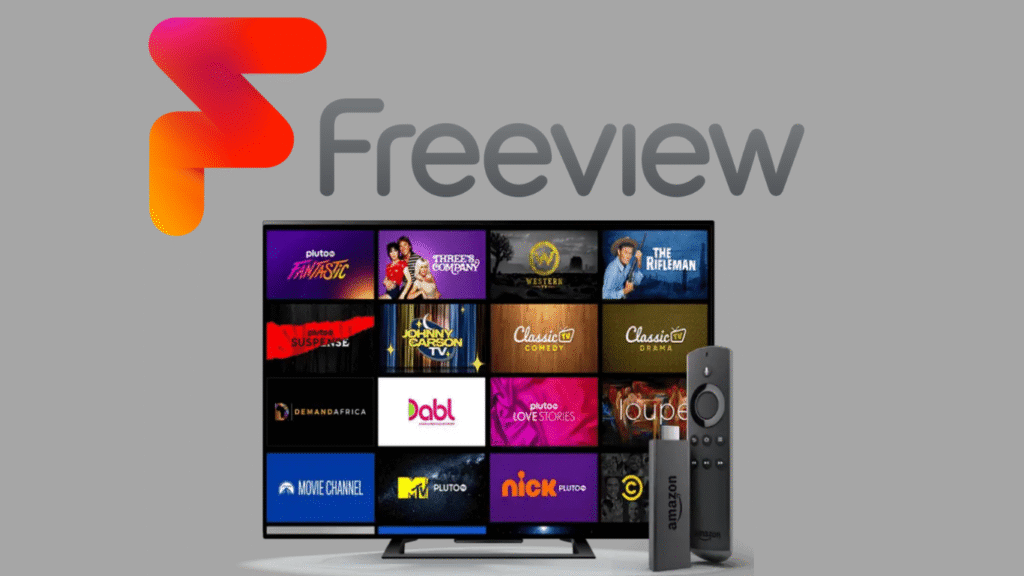
introduction:
The world of digital TV has changed dramatically in the last decade, and the rise of Freeview IPTV UK has made watching live TV easier, simpler, and more flexible than ever. With IPTV technology becoming a household standard, millions of people across the UK now use internet-based Freeview services to stream live channels and on-demand content without needing satellite dishes or expensive subscriptions. This guide breaks down everything you need to know about Freeview, IPTV, supported devices, setup instructions, common streaming issues, and more.
Whether you’re a casual viewer or a home entertainment enthusiast, this complete resource helps you get the most out of Freeview IPTV UK—while keeping your experience smooth, reliable, and high-quality.
What Is Freeview IPTV UK?
Freeview IPTV UK is a modern way to watch live British television channels using IPTV technology. Traditional Freeview relies on an aerial to receive broadcast signals, but IPTV-based Freeview allows you to stream these same channels through the internet.
This approach is increasingly popular because it delivers:
-
Better picture quality
-
Smoother channel switching
-
Access to on-demand services
-
No need for aerial installation
Essentially, IPTV Freeview blends classic TV broadcasting with online streaming for a more flexible viewing experience.
How Freeview Works in the UK
Standard Freeview relies on terrestrial broadcast towers transmitting digital signals to your home aerial. However, modern Freeview-capable devices—especially smart TVs and streaming sticks—integrate both IPTV feeds and digital channels.
This means:
-
If the aerial signal is weak, IPTV can still deliver channels
-
Live content and on-demand apps merge into one interface
-
TV content becomes available across multiple devices
The convenience of this setup is one of the main reasons Freeview IPTV UK continues to grow.
Difference Between Freeview and Traditional IPTV
There are important distinctions between Freeview and general IPTV services:
| Freeview IPTV UK | Traditional IPTV |
|---|---|
| Free & legal channels | Often includes premium channels |
| UK-based content | Global or mixed content |
| Works on official apps | Sometimes uses third-party apps |
| Hub for BBC, ITV, C4 | Wide variety of sources |
While both use internet streaming, Freeview focuses entirely on legitimate UK broadcasters.
Why Freeview IPTV Is Becoming Popular in the UK
Millions of households across the UK are moving away from satellite dishes and cable boxes. Here’s why Freeview IPTV UK is becoming a top choice.
Cost Benefits for UK Households
One of the biggest advantages of Freeview is the cost savings. There are:
-
No monthly subscription fees
-
No installation charges
-
No equipment rentals
Freeview relies solely on your internet connection and compatible devices, making it budget-friendly.
Improved Channel Access & Streaming Flexibility
Freeview IPTV offers access to popular channels such as:
-
BBC One
-
ITV
-
Channel 4
-
Channel 5
-
CITV
-
Dave
-
Quest
Because the streaming happens over the internet, you get:
-
Flexible viewing anywhere in the home
-
Better reception in low-signal areas
-
On-demand options combined with live TV
This convenience makes Freeview IPTV UK one of the best free viewing solutions today.
Key Features of Freeview IPTV UK
Freeview IPTV is packed with features that make it appealing to modern users.
Live TV Channels
You can watch more than 70+ live UK channels without using an aerial. Streams adapt to your internet speed, offering HD quality where supported.
On-Demand Streaming
Freeview integrates with:
-
iPlayer
-
ITVX
-
Channel 4
-
My5
-
UKTV Play
This creates a hybrid system of both live and catch-up TV.
HD and Smart TV Compatibility
Most new TVs sold in the UK already include built-in Freeview IPTV features:
-
Samsung
-
LG
-
Sony
-
Panasonic
This makes setup extremely easy.
Devices That Support Freeview IPTV UK
You don’t need special hardware. You can use Freeview IPTV on almost any modern streaming device.
Smart TVs
Nearly all current smart TVs support:
-
Freeview channels
-
Freeview Play apps
-
IPTV feeds
No extra downloads required.
Firestick & Android TV Devices
These devices allow you to stream Freeview apps even if your TV doesn’t have built-in Freeview.
Examples include:
-
Amazon Firestick
-
Nvidia Shield
-
Chromecast with Google TV
-
Xiaomi Mi Box
These platforms offer excellent support for IPTV-based streaming.
Mobile & Tablets
You can also stream Freeview IPTV UK on iOS and Android devices through official apps.
How to Set Up Freeview IPTV UK
Setting it up is simple and takes only a few minutes.
Setup on Smart TV
-
Connect your TV to Wi-Fi
-
Open the Freeview Play interface
-
Ensure BBC iPlayer, ITVX, and other apps are updated
-
Start watching live and on-demand TV instantly
Setup on Firestick / Android TV
-
Go to the app store
-
Download the Freeview app
-
Sign in using your email
-
Choose location settings
-
Start streaming channels
Setup on Mobile & Tablet
-
Download Freeview from Google Play or App Store
-
Allow location permissions
-
Choose preferred channels
-
Stream live or catch-up shows
Best Apps for Streaming Freeview IPTV UK
Below are the top apps for accessing UK channels legally:
Freeview App
This is the main app for live TV scheduling and streaming support. It unifies UK channels and gives you a complete guide of what’s airing.
BBC iPlayer, ITVX, My5 & UKTV Play
These apps enhance Freeview IPTV with:
-
High-quality HD streaming
-
Faster on-demand playback
-
Better channel-specific content
They’re essential companions to the main service.
Common Issues With Freeview IPTV UK & How to Fix Them
Even though Freeview IPTV is reliable, occasional problems can happen.
Buffering Issues
Fixes include:
-
Restart your router
-
Switch from Wi-Fi to Ethernet
-
Clear app cache
-
Reduce device load
App Not Loading
Try:
-
Updating the app
-
Restarting your device
-
Checking your internet connection
Channel Playback Errors
Solutions:
-
Change streaming quality
-
Switch servers (if using VPN)
-
Ensure apps are updated
Is Freeview IPTV UK Legal & Safe?
Yes. Freeview IPTV UK is fully legal because it provides official British channels through licensed broadcasters. All apps are verified, safe, and available from official stores.
FAQs About Freeview IPTV UK
1. Do I need an aerial for Freeview IPTV?
No, IPTV-based Freeview works through the internet.
2. Is Freeview IPTV free to use?
Yes, Freeview is completely free across the UK.
3. Does Freeview work on older TVs?
Yes, with a Firestick or Android box.
4. Can I watch Freeview IPTV outside the UK?
You’ll need a VPN to access UK apps abroad.
5. Does Freeview support HD?
Yes, most channels offer HD streaming when using IPTV.
6. Is Freeview IPTV safe for kids?
Yes, it includes parental controls for safe viewing.
Conclusion
Freeview IPTV UK offers one of the simplest, most flexible, and most affordable ways to watch British TV. Whether you’re streaming live channels, enjoying on-demand services, or setting up on multiple devices, Freeview IPTV makes entertainment easy and accessible.
It’s reliable, legal, and perfect for UK households who want modern streaming without the high cost of cable or satellite services.