


- Why your stream refuses to load on home broadband
- Could your broadband provider be blocking the stream?
- How to test for ISP throttling
- Is local Wi-Fi congestion ruining your playback?
- Are your router's firewall and security settings too strict?
- DNS routing conflicts on home broadband
- Wi-Fi channel overlap and interference
Why your stream refuses to load on home broadband
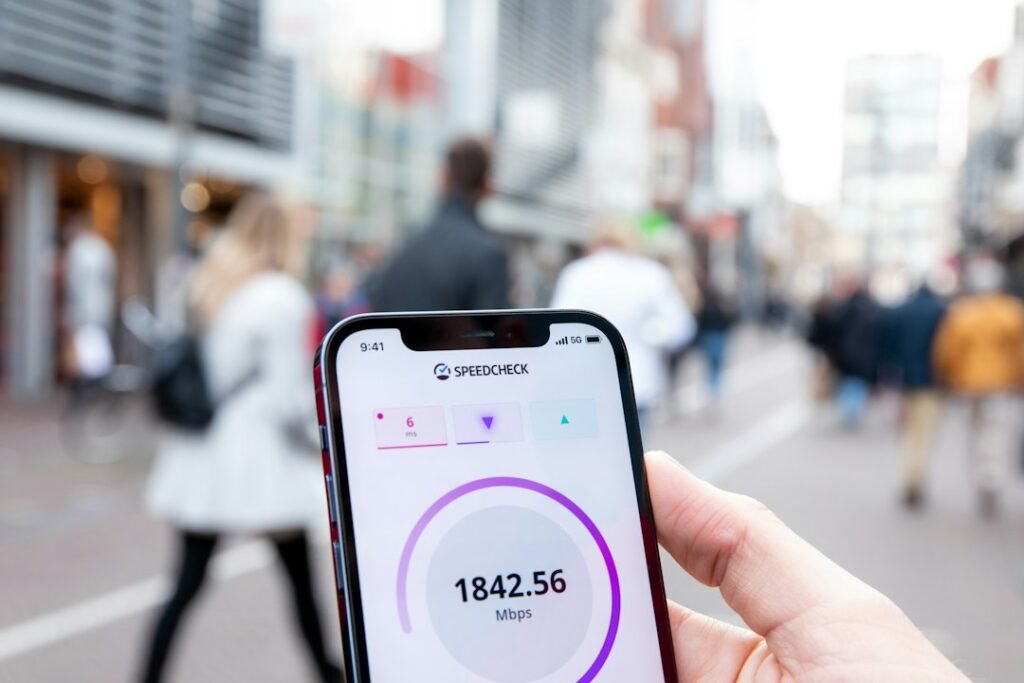
Your mobile network loads live channels instantly, but switching back to your home broadband brings the stream to a complete standstill. This frustrating contrast usually points straight at your internet service provider throttling streaming traffic, local network congestion, or strict router firewall rules. IPTV on mobile data bypasses these home network hurdles entirely because mobile carriers route traffic differently than fixed-line broadband.
Could your broadband provider be blocking the stream?
Major UK broadband providers like BT, Sky, Virgin Media, and TalkTalk use aggressive network-level traffic management and content filtering. When you connect via Wi-Fi, your ISP inspects your data packets and might actively throttle connections to streaming servers associated with unauthorised or independent broadcasts. Mobile networks operated by EE, Vodafone, O2, or Three often have entirely different filtering profiles, letting the exact same data pass through without interference.
How to test for ISP throttling
Run a standard speed test on your Wi-Fi, then test again while using a virtual private network. If your streams suddenly load the moment you turn on privacy software, your provider is likely interfering with your connection. You can learn more about protecting your traffic by checking out our guide on securing your streaming setup with a reliable VPN.
Is local Wi-Fi congestion ruining your playback?
Your mobile phone usually pulls a dedicated signal or sits on a less crowded 5GHz frequency channel. Home Wi-Fi is rarely that clean. Every smart bulb, laptop, games console, and smart speaker in your house fights for bandwidth on the same wireless router. If your router is tucked behind the television cabinet or placed in the hallway, signal attenuation destroys the steady throughput required for buffer-free live television.
- Move your streaming device closer to the wireless router.
- Switch from the crowded 2.4GHz Wi-Fi band to the faster 5GHz band if your hardware supports it.
- Plug an Ethernet cable directly into your streaming box to completely eliminate wireless interference.
Are your router’s firewall and security settings too strict?
Modern home routers come packed with advanced parental controls, built-in antivirus suites, and deep packet inspection tools. These features flag custom streaming ports or unknown external servers as security risks. When you use mobile data, you are using the carrier’s standard mobile firewall, which is rarely as restrictive as residential broadband routers.
Log into your router admin panel using the gateway IP address found on the sticker underneath the unit. Look for settings labelled SPI firewall, DDoS protection, or adult content filtering, and temporarily disable them to see if your channels start loading over Wi-Fi.
DNS routing conflicts on home broadband
Sometimes the issue isn’t blocking at all, but rather how your home router resolves domain names. Internet providers use their own DNS servers, which often fail to resolve certain alternative streaming addresses correctly. Mobile networks use their own carrier-managed DNS pools that might map those exact same addresses without issue.
Fix this instantly by changing the DNS settings on your streaming device or home router to a public, reliable alternative like Cloudflare (1.1.1.1) or Google (8.8.8.8). This simple change forces your connection to take a cleaner, faster path across the internet.
Wi-Fi channel overlap and interference
Living in a densely populated apartment block or a terraced street means your Wi-Fi router is competing with dozens of neighbouring networks sharing the exact same wireless channels. This invisible clutter causes packet loss, forcing your device to constantly request missing data chunks. IPTV on mobile data avoids local channel congestion completely, which explains why live streams remain stable on your phone while stuttering on your smart TV.
For more information, IPTV UK.