
- Upgrading Your Daily Television Setup
- 1. BBC iPlayer: The Non-Negotiable Standard
- 2. Freely: The New Free-To-Air Streaming Native
- 3. ITVX: Premium Free Drama and Sport
- 4. VLC Media Player: The Ultimate Local File Reader
- 5. YouTube: Essential for Niche and High-Frame-Rate Video
- 6. Channel 4: Alternative Comedy and Box Set Bingeing
- 7. Plex: Centralise Your Home Entertainment
- 8. Kodi: Customisable Open-Source Media Hub
- Getting the Best Streaming Experience
Upgrading Your Daily Television Setup
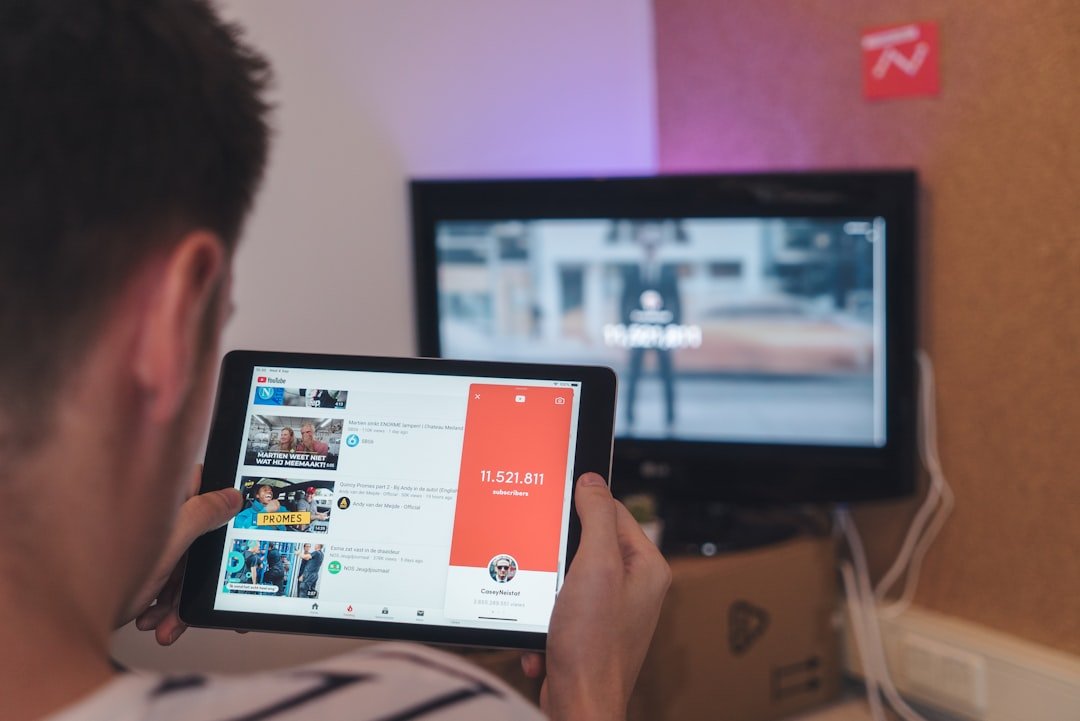
Buying a new telly is only half the battle. Once you get the panel on the wall or on its stand, the real job begins: choosing the right smart TV apps UK viewers actually need for daily entertainment. The default application stores on LG, Samsung, Sony, or Roku platforms come packed with hundreds of options, but most of them are bloatware you will never open twice.
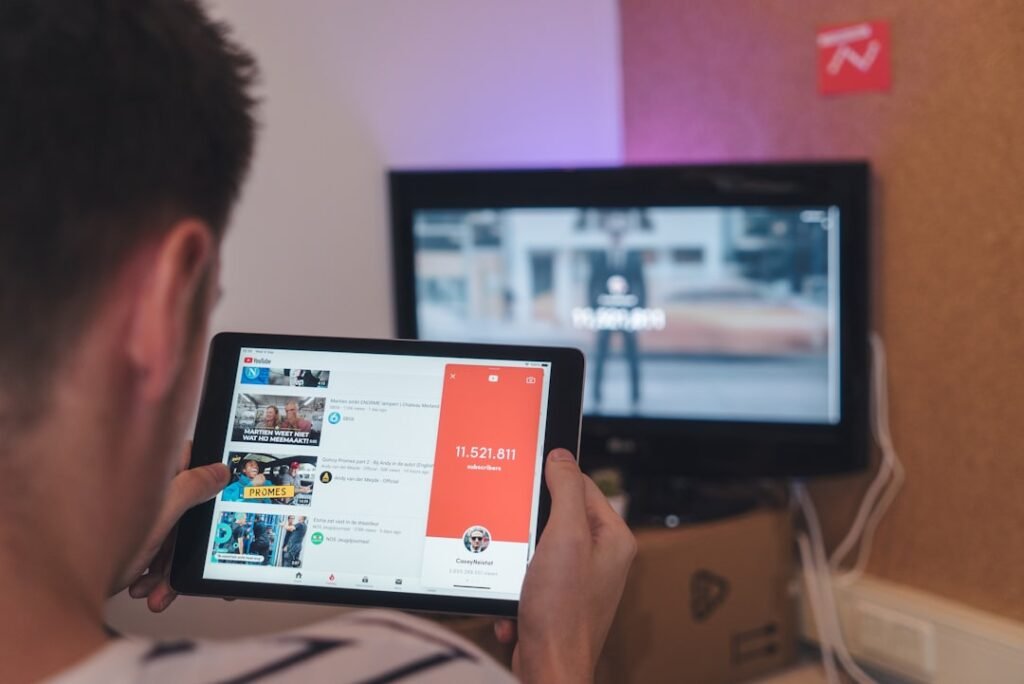
Instead of clogging up your onboard storage with useless channels, a clean setup focuses on high-performance media players, reliable free-to-air catch-up hubs, and flexible streaming utilities. Whether you want to stream local news, watch live Premier League fixtures, or organise home media files, these eight essential applications deserve a spot on your home screen this year.
1. BBC iPlayer: The Non-Negotiable Standard
It sounds obvious, but the native BBC iPlayer application remains the absolute baseline for television in Great Britain. The Corporation continually updates its bitrates and picture profiles, making it one of the best sources for native 4K Ultra HD content with High Dynamic Range (HDR) without demanding a paid subscription.
During major summer tournaments, Wimbledon broadcasts, or flagship drama launches, iPlayer often delivers cleaner color reproduction and sharper detail than rival paid platforms. Just keep in mind that watching any live feed or catch-up program on iPlayer legally requires a valid UK TV Licence.
2. Freely: The New Free-To-Air Streaming Native
If you live in a modern flat without a working roof aerial or satellite dish, traditional broadcast signals can be a headache. That is where Freely comes in. Backed by Everyone TV (the organisation behind Freeview and Freesat), this newer platform streams public service channels directly over your home Wi-Fi network.
Instead of swapping between separate standalone catch-up applications, Freely unifies live terrestrial listings into a classic electronic programme guide (EPG). You can pause live television, hop back to the start of a broadcast, and browse upcoming schedules effortlessly. If you are shopping for a new set, look for native Freely integration built right into the operating system.
3. ITVX: Premium Free Drama and Sport
ITV overhauled its digital presence with ITVX, transforming a clunky catch-up portal into a heavy-hitting hub. The application offers thousands of hours of box sets, exclusive thrillers, and live European football coverage, funded largely through ads.
For those who hate commercial breaks, there is a paid tier that strips them out and integrates BritBox content. However, even the free ad-supported tier delivers crisp high-definition streaming that works brilliantly on modern Smart TV hardware. If you frequently encounter performance hitches on older sets, adjusting your local network settings or upgrading to dedicated IPTV streaming devices UK users rely on can dramatically reduce buffering issues.
4. VLC Media Player: The Ultimate Local File Reader
Not everything you watch comes from a major broadcaster. If you keep home videos, digital holiday clips, or backed-up video files on a local USB drive or network-attached storage (NAS) drive, the default gallery software on your telly will often fail to play obscure audio codecs or subtitle tracks.
VLC Media Player fixes that instantly. Available on Android TV, Google TV, and various app marketplaces, this free open-source software plays almost any file format you throw at it. It handles MKV files, surround sound audio passthrough, and custom external subtitles without breaking a sweat.
5. YouTube: Essential for Niche and High-Frame-Rate Video
YouTube is no longer just for short viral clips. It has evolved into a primary living room app, especially for sports highlights, tech breakdowns, and ultra-high-definition documentary footage. Modern Smart TV builds of YouTube support 4K resolution at 60 frames per second, creating incredibly smooth motion for fast-moving content.
It is also an incredible resource if you are exploring new entertainment options or learning languages through international broadcasts. Many viewers pair video platforms with legitimate live feeds when learning new skills; for example, exploring the best IPTV channels for language learning can help you practice listening skills directly on your living room display.
6. Channel 4: Alternative Comedy and Box Set Bingeing
Channel 4 has long been a pioneer in on-demand broadcasting in Great Britain. Its dedicated Smart TV application gives you access to decades of British comedy, hard-hitting documentaries, and foreign-language drama series imported under the Walter Presents banner.
While the interface can sometimes feel slightly heavier on entry-level processor chips, the sheer variety of niche cinema and exclusive box sets makes it indispensable. A low-cost monthly subscription option is available if you want to remove advertisements, but the standard free version remains fantastic value for casual viewing.
7. Plex: Centralise Your Home Entertainment
If you have a collection of personal media stored on a home computer or server, Plex is the absolute gold standard for bringing that library to your main living room screen. The app turns your local digital files into a beautiful, Netflix-style interface complete with plot summaries, cast lists, album art, and movie trailers.
Plex also offers its own free live streaming channels and ad-supported movies, making it a powerful double-duty application. It streams content smoothly over your local network, meaning you do not consume external internet bandwidth when playing files stored elsewhere in your house.
8. Kodi: Customisable Open-Source Media Hub
For tech-savvy viewers who want total control over their interface, Kodi remains a legendary open-source media player. Available primarily on Android TV and Google TV platforms, Kodi allows users to build a fully customized media dashboard from scratch.
It shines when organizing massive local libraries, playing high-bitrate video, or integrating legal broadcast add-ons. Because it requires zero subscription fees, it remains a favorite utility for home cinema enthusiasts who prefer open ecosystem software over locked-down corporate menus.
Getting the Best Streaming Experience
Installing the right software is only half the battle; keeping your connections stable is what prevents annoying mid-show loading wheels. Always aim to connect your telly via a physical Ethernet cable if your router sits nearby. If you must use Wi-Fi, ensure your set connects to the 5GHz frequency band rather than the slower, busier 2.4GHz band.
Keep your TV’s operating system updated, regularly clear the application cache memory for heavy apps like ITVX and YouTube, and delete software you no longer use. A clean, optimized hub will keep your living room setup fast, responsive, and ready for whatever you want to watch next.
For more information, IPTV UK.
Related reading
- How to Connect a Smart TV to Ethernet: Step-by-Step UK Setup Guide
- How to Fix BBC iPlayer Crashing on Smart TV: UK Troubleshooting Guide