


- How an IPTV Subscription for Multiple Devices Actually Works
- Understanding Connection Limits on Your Plan
- Setting Up Your Apps Across Different Screens
- Bandwidth Bottlenecks and Home Networks
- Frequently Asked Questions
- Can I use my IPTV subscription outside the house?
- Why does my second screen buffer constantly?
- Do I need a separate subscription for each TV?
How an IPTV Subscription for Multiple Devices Actually Works
Most UK households have long since abandoned the single TV sitting quietly in the corner of the living room. Phones ring, tablets glow, and kids stream cartoons upstairs while adults catch live sport downstairs. Managing this digital chaos requires an IPTV subscription for multiple devices that won’t give up the ghost when everyone logs on at once.
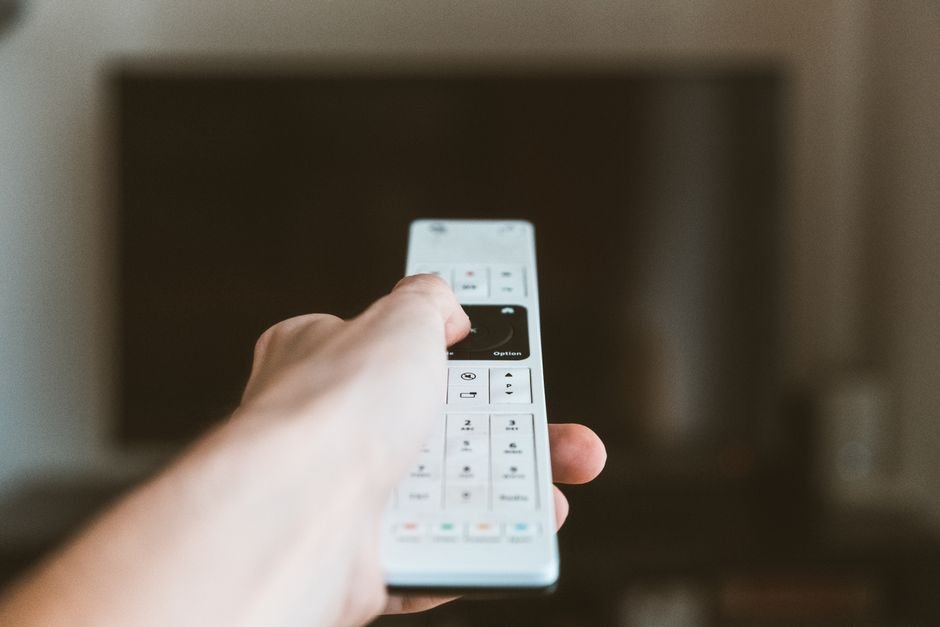
Internet Protocol Television routes video signals straight through your broadband router instead of relying on a satellite dish or an old-school aerial wire. Because this feed is entirely digital data, providers license their services based on concurrent streams. A standard single login might let you watch on your phone just fine, but fire up that exact same playlist on the living room telly at the same time and you’ll usually trigger an error—or simply boot the first stream right off the network.
Understanding Connection Limits on Your Plan
Providers generally structure their plans around specific connection tiers. A basic tier gives you just one active stream at a time. Multi-room or family packages bump that up to two, three, or even five simultaneous connections.
Always check the small print before throwing your login details at every bit of hardware in the house. Some services lock your playlist down to specific MAC addresses, while others stick to normal username and password combos that work pretty much anywhere. If you want a genuinely smooth experience across both your living room and bedroom setups, picking the right hardware matters immensely. You can read more about compatible hardware in our Best IPTV Streaming Devices UK buyer’s guide.
Setting Up Your Apps Across Different Screens
You definitely don’t need identical gear on every screen. Honestly, most people just mix and match whatever they have lying around.
- Install an M3U player app on your main smart TV.
- Load a lightweight streaming app onto your kitchen tablet.
- Keep a portable stick handy for hotel rooms or holiday cottages.
Each screen needs its own quick app configuration. You just punch in your server URL, username, and password once per device. Once authenticated, your channel lineup syncs right up with the provider’s servers automatically.
Bandwidth Bottlenecks and Home Networks
Streaming HD video to three different screens at the exact same time demands serious broadband muscle. Old copper ADSL lines will simply buckle under that kind of pressure, meaning fibre broadband is practically mandatory.
Wi-Fi interference can easily ruin your viewing party, too. If someone streams 4K football in the lounge while another person downloads a massive game file upstairs, wireless signals start to stutter. Hardwiring your primary streaming boxes with Ethernet cables solves this headache instantly. For secondary screens stuck on Wi-Fi, keep your router close by or invest in decent mesh network nodes.
Frequently Asked Questions
Can I use my IPTV subscription outside the house?
Most providers let you watch on mobile data or hotel Wi-Fi, provided you stay within your active connection limit.
Why does my second screen buffer constantly?
Your broadband upload and download speeds likely cannot support multiple high-definition streams at once.
Do I need a separate subscription for each TV?
No. A multi-connection plan covers multiple screens under a single account.
For more information, IPTV UK.